
Install & Sign Up
Get the app, create an account, and verify your email.
Download the app
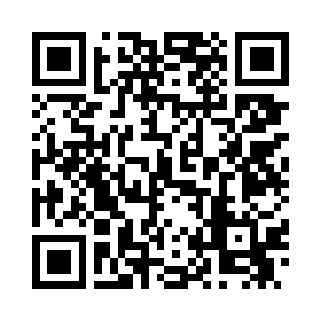
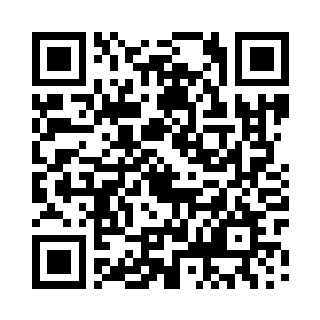
Swayzes is available for both iOS and Android. Scan a QR code below with your phone's camera, or tap the link on a mobile device to open the store listing directly.
Creating an account
On first launch, tap Register from the sign-in screen. You'll need:
- A display name — shown to other users in chat and Coaches Notes.
- An email address — ideally the same email your club/team manager has on file in HockeySyte, since this is what enables automatic player linking (see below).
- A password.
Already have an account? Tap Sign in instead, or Forgot password? to reset it.
Verifying your email
After registering, the app sends a verification link to your email address and shows a Verify your account screen. Open the email, tap the link, then return to the app and tap I've verified my email. You can tap Resend Email Validation if the email doesn't arrive. You won't be able to use the app until your email is verified.
Automatic player linking
The moment your email is verified, the app automatically checks whether your email address matches a player's email on file in HockeySyte for any team. If it finds a match, your account is linked to that player right away — no QR code or manager action required. See Getting your account linked to a player for what happens if there's no automatic match.